22 Nov 2025

How to Build a Website Without Coding

How to Build a Website Without Coding (Beginner’s Guide 2025)

Building a website without writing a single line of code is now easier than ever. Thanks to modern drag-and-drop builders and AI-powered tools, you can design a professional, mobile-friendly website in hours.

Here’s a complete step-by-step guide on how to build a website without coding, based on the best industry sources.


1. Plan Your Website and Define Its Purpose

Before picking a platform, decide what your website is for. Different goals require different layouts and features.

  • Business website
  • Blog or personal brand
  • Online store
  • Portfolio
  • Booking or service website

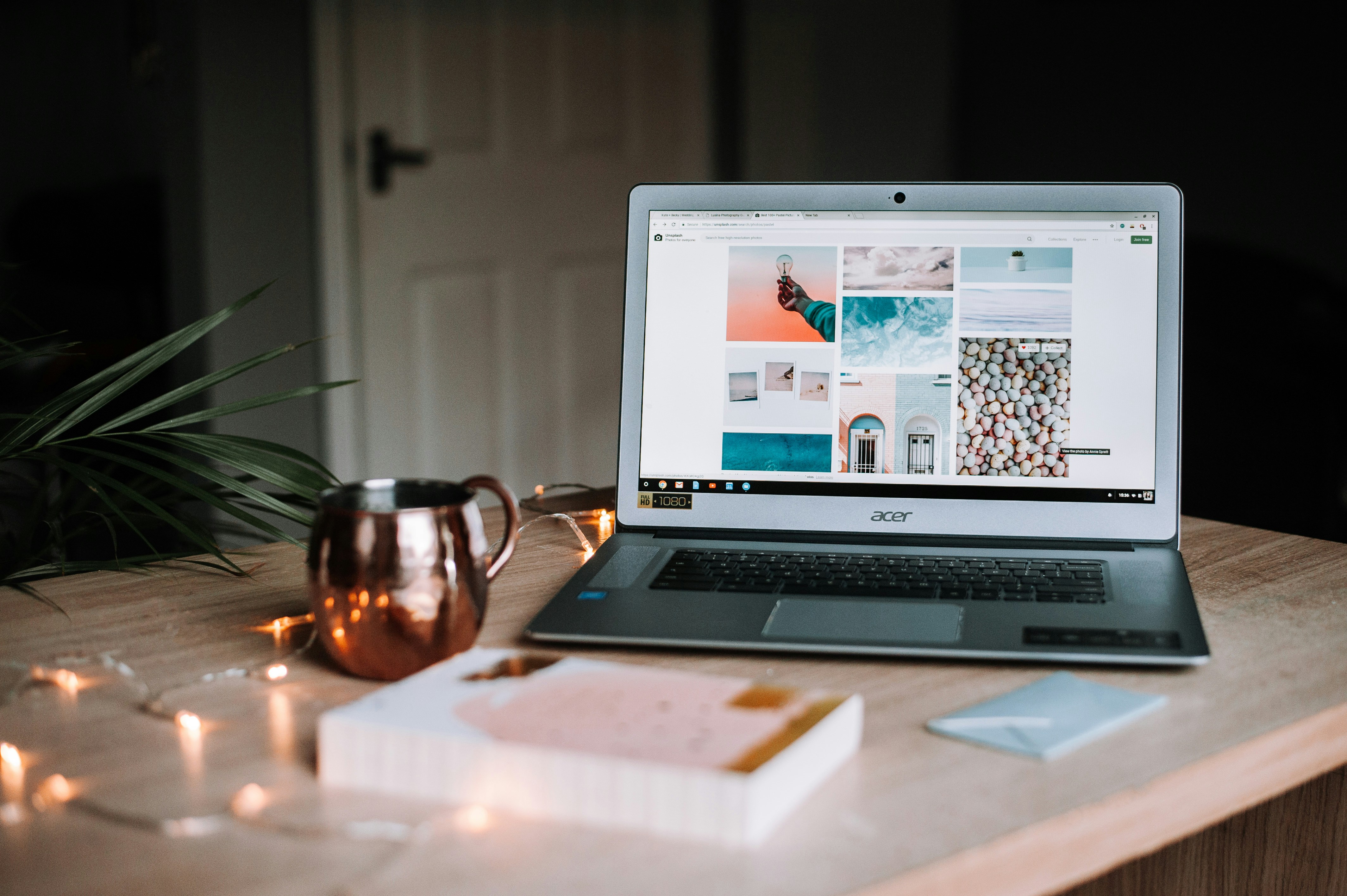
Person planning website layout on desk without coding


2. Choose a No-Code Website Builder

No-code builders let you design your website visually using drag-and-drop tools.

  • Wix – easiest for beginners
  • Webflow – advanced visual design
  • Squarespace – premium clean templates
  • WordPress + Elementor – flexible and powerful
  • Shopify – best for e-commerce
  • HubSpot CMS – ideal for business websites

3. Pick a Template and Customise It

Choose a template that matches your industry or style, then customise the design to match your branding.

Website template being customised using drag and drop


4. Add Pages and Features Without Coding

No-code builders let you add features like contact forms, galleries, booking tools, blogs, and online payments with no programming required.

User adding features to website without writing code


5. Write SEO-Friendly Content

Content helps search engines understand your website. Use headings, clear text, and include relevant keywords naturally—especially the main keyword “how to build a website without coding”.

Content creator writing SEO text without coding skills


6. Make Your Website SEO-Ready

Most no-code platforms include built-in SEO tools. Make sure to optimise:

  • Meta title & description
  • Image alt tags
  • Clean URLs
  • Mobile responsive design
  • Automatic sitemaps

SEO dashboard showing website optimisation results


7. Publish, Test, and Maintain Your Website

After launching your website, test it on mobile and desktop, update your content regularly, and track performance using Google Analytics and Search Console.

Website successfully published without coding


Final Thoughts

In 2025, you no longer need coding skills to build a professional website. With drag-and-drop builders, AI tools, and beginner-friendly templates, anyone can create a polished website in hours.


Compare UK Hosting Providers

To see which hosting options offer the best performance for your website, visit:

Compare the top UK hosting plans at ukhosting.com


20 Nov 2025

How to Create a Website on WordPress for Beginners | UKHosting

How to Create a Website on WordPress for Beginners (Step-by-Step Guide)

The easiest guide to help beginners build a WordPress website from scratch.

Laptop showing WordPress dashboard on screen
Build your first WordPress website step-by-step.

Why Use WordPress?

WordPress powers a large portion of the web because it’s:

  • Beginner-friendly
  • Flexible — you can build any type of site
  • SEO-friendly
  • Easy to customise
  • Supported by thousands of free themes and plugins

Let’s jump into the setup.

Step 1: Choose Your Hosting & Domain

To create a WordPress website you need a domain name (your website address) and a hosting plan (where your website lives).

Look for hosting with:

  • 1-click WordPress installation
  • Fast loading speeds
  • Automatic backups
  • Good security
  • UK-based performance if you’re targeting UK visitors

Tip: If you want to compare providers and performance, compare the top UK hosting plans at ukhosting.com.

Step 2: Install WordPress (Super Easy)

Most hosts offer a 1-click WordPress install. After installation, log in at:

https://yourdomain.com/wp-admin
WordPress admin dashboard on desktop monitor
WordPress dashboard — your website control centre.

Once logged in you’ll see the WordPress dashboard where you manage content, design, plugins and settings.

Step 3: Configure Your Basic Settings

Before building pages, set up these core settings:

  • Site title & taglineSettings → General
  • PermalinksSettings → Permalinks → Post name (recommended for SEO)
  • User profileUsers → Profile
  • Comments — turn on/off depending on your site type

Step 4: Choose a Theme (Your Website’s Design)

The theme controls your site’s look. Install via Appearance → Themes → Add New.

Choose themes that are:

  • Responsive (mobile-friendly)
  • Fast and regularly updated
  • Compatible with popular plugins

Beginner-friendly options: Astra, GeneratePress, OceanWP, or the default Twenty Twenty-Four.

Design studio showing website layouts and themes
Pick a theme that fits your brand and loads fast.

Step 5: Install Essential Plugins

Plugins add functionality without code. Install plugins at Plugins → Add New.

Purpose Plugin
SEO Yoast SEO or RankMath
Security Wordfence
Backups UpdraftPlus
Contact Forms WPForms Lite
Speed LiteSpeed Cache or WP Super Cache

Step 6: Create Your Essential Pages

Every beginner site should include at least:

  • Home — your main introduction
  • About — who you are and why you exist
  • Contact — form, email, social links
  • Blog — optional, great for SEO and content marketing

Create pages via Pages → Add New.

Step 7: Build Your Navigation Menu

Create a simple menu under Appearance → Menus. Include key pages like Home, About, Services, Blog and Contact so visitors can find what they need quickly.

Step 8: Add Content (Text, Images, Media)

Use the WordPress Block Editor (Gutenberg) to add structured content: headings, paragraphs, images, galleries and buttons.

Content tips:

  • Use H2 and H3 headings to structure pages
  • Keep paragraphs short and scannable
  • Use descriptive alt text for images
  • Link internally to related pages to keep visitors browsing
Person creating website content on WordPress editor
Use the Block Editor to structure content quickly and visually.

Step 9: Optimise Your Website for SEO

To help your site rank in Google:

  • Install an SEO plugin (Yoast or RankMath) to set meta titles and descriptions
  • Add meaningful alt text to images
  • Use fast hosting — speed matters for SEO
  • Use internal links and a clear site structure

Step 10: Keep Your Site Secure & Updated

Routine maintenance keeps your site healthy. Do the following regularly:

  • Update WordPress core, themes and plugins
  • Make regular backups
  • Use strong admin passwords and consider two-factor authentication
  • Monitor site speed and performance

Many security problems happen because sites aren’t kept up to date.

Final Thoughts

Building a WordPress website as a beginner is straightforward if you follow the right steps. In a few hours you can have a working site: choose hosting, install WordPress, pick a theme, create pages, install plugins and launch.


Ready to compare hosts? To see which providers offer the fastest performance, you can compare the top UK hosting plans at ukhosting.com and choose the best option for your site.

UKHosting.com — Compare the best UK web hosting providers. All rights reserved.
back to top